Copy buttons
Overview
Each button in the Tab Copy popup copies a particular range of tabs.
-
This tab: Copies the current tab.
-
This window's tabs: Copies all tabs in the current window.
-
All tabs: Copies all tabs across all windows, ungrouped.
-
All tabs by window: Copies all tabs across all windows, grouped by window.
Some browsers support selecting multiple tabs within a window with Ctrl+Click, Cmd+Click, or Shift+Click. When multiple tabs are selected, the This tab button reads Selected tabs instead and copies the selected tabs.
Tab counts
To show a count of how many tabs will be copied on each copy button, check Show tab counts in options.
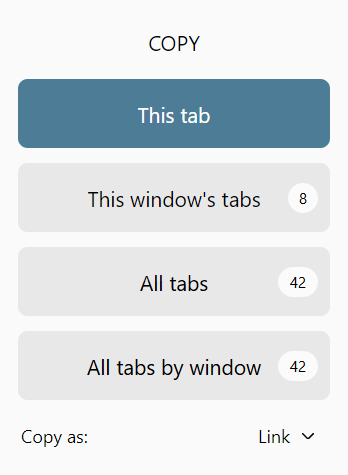
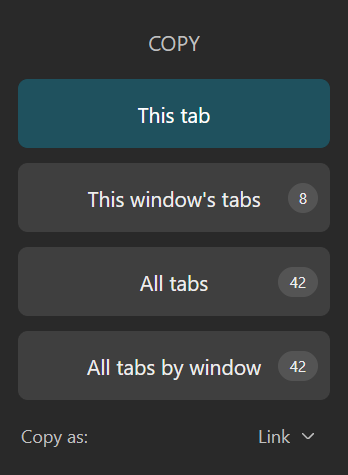
This tab only shows counts when multiple tabs in the window are selected.
Keyboard navigation
Use the Tab or Up/Down arrow keys to select a copy button, then hit Enter to copy.
Customization
By default, all copy buttons are shown.
You can customize which buttons appear in the popup in Tab Copy options.